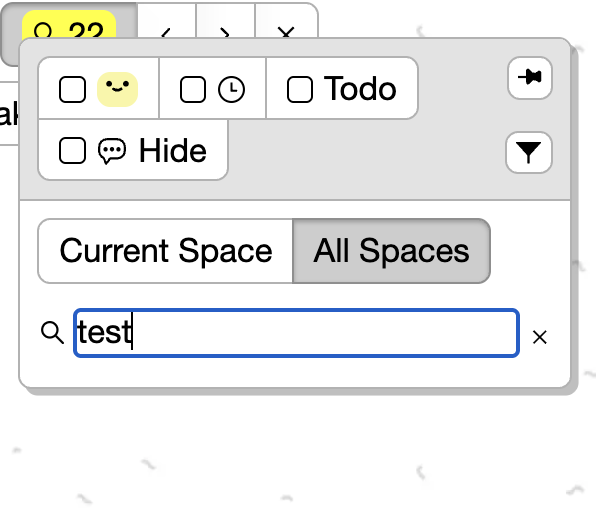
This is easily fixed by pressing the “search” icon with the mouse, which will open the list of results. After doing so, the keyboard shortcut will open the results going forward. But if you refresh or open a new tab or anything, you have to click the search icon again in order to get the results to show up.
1 Like
so in this case , you did a search, closed the dialog, then pressed cmd-f to open up the search again. and observed that the previous results didn’t show up right?
Apologies for not being clear in my original post. What I’m seeing is that if I press the keyboard shortcut to search for cards in all spaces, the list of results won’t show up. But if I open the search for cards dialog by clicking on the search icon, it works fine, and then the keyboard shortcut also works fine and shows the list of results until the page is refreshed. I hope that’s more clear.
1 Like