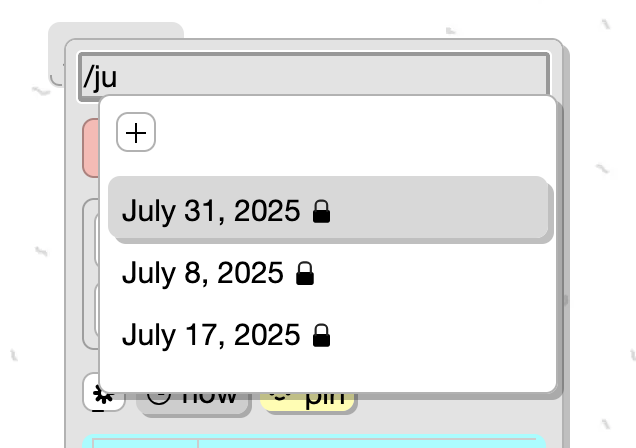
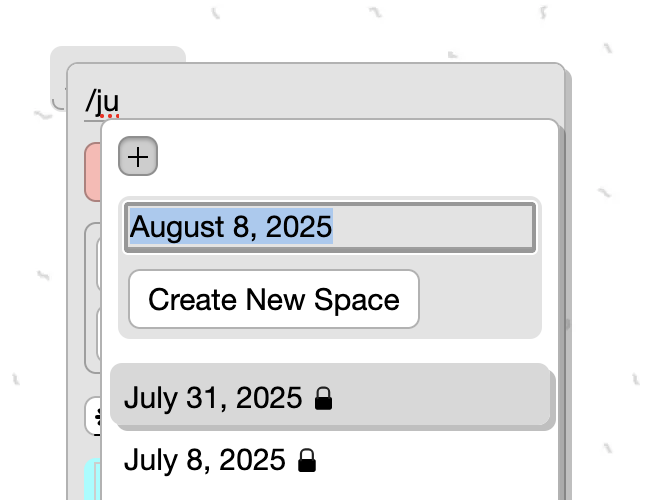
When I create a new space using / and add a name, pressing Enter doesn’t create it I have to click the plus icon.
It would be better if pressing Enter also created the space.
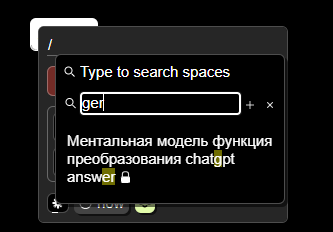
When I create a new space using / and add a name, pressing Enter doesn’t create it I have to click the plus icon.
It would be better if pressing Enter also created the space.
I think yes. That is, if I selected an existing Space and pressed enter, it opens it, and if it does not exist and I press enter, it creates it.
right now its completelly imposible to create a new space thru slash “/”
even “+” is missing
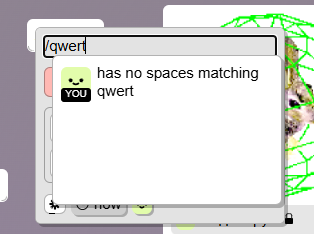
That’s by design. The card entry space picker needs to send its input to the card , not the search filter (the search filter is which the + button lives )
It used to be here and It was convenient to create via /
that’s why I was asking to speed up this creation by pressing enter
The problem with the filter field being there is it was blocking the input from the card name. I should’ve realized that earlier. So if you wanted to type ‘/something’ and not link to a space you couldn’t. This was way more annoying. I’ll probably revert to the the explicit new space button here
Or you can do it another way . Make a button in the card menu “turn into a Space”. By clicking, it creates a Space with the name as card content and immediately has a link to it in the card.
reverted to the prior behaviour, there’s an explicit new space button in the spacepicker