It works for QWERTY keyboard layout, but doesn’t work in DVORAK.
When I press B to create box within the a canvas, it doesn’t get created. I have tried this within my macOS app & in web(safari). Seems the shortcut isn’t listening. I don’t think this is a big issue considering it works for qwerty layout and only doesn’t work for Dvorak. If possible, a fix will be nice.
1 Like
Hmm I’ve never used Dvorak , what do you get when you try the shortcut letter on https://www.toptal.com/developers/keycode
I got this value on typing b from this layout.
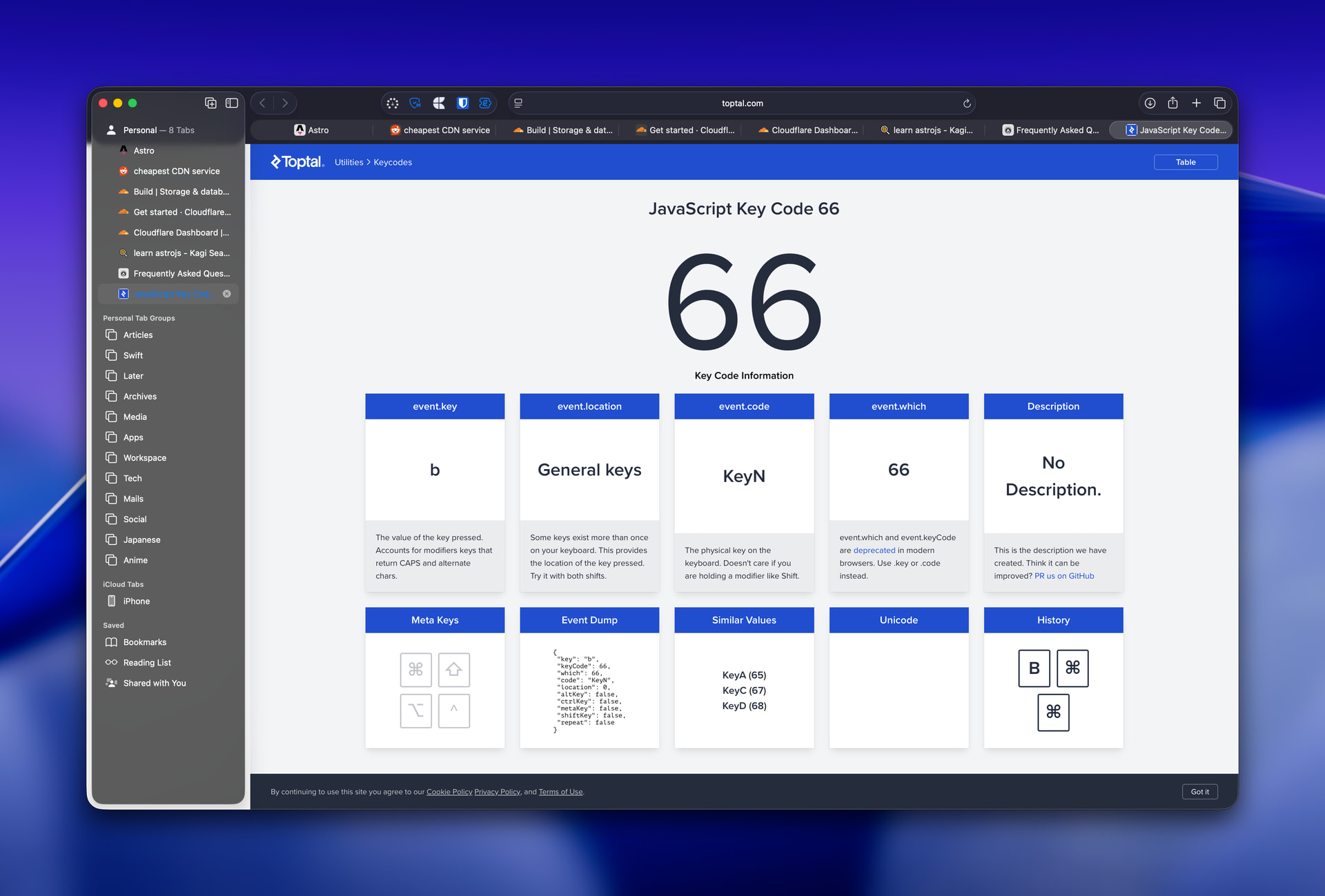
I get the same code for QWERTY layout as well, only change being the description is B and the event.code is KeyB.
I added some debug logging on https://deploy-preview-692--kinopio-client.netlify.app/ , can you try the shortcut there and let me know what you see in the browser console on the line starting with “ B TEST”?
Sadly, it still doesn’t work.
More over on testing with other shortcuts, the layout key ‘L’ (which is mapped to physical key ‘P’) actually triggers the Presentation mode, when it should have triggered the list card. The layout key ‘P’ (which is mapped to the physical key ‘R’) works as expected. That is I have two keys acting the same behavior. On further testing it in the live macOS app, the layout key ‘L’ (mapped to physical key ‘P’) when trigger actually toggles the presentation mode and also creates a line divider.
Hope these keys are not confusing 
Were you able to see what the logs show? They should output on all key presses
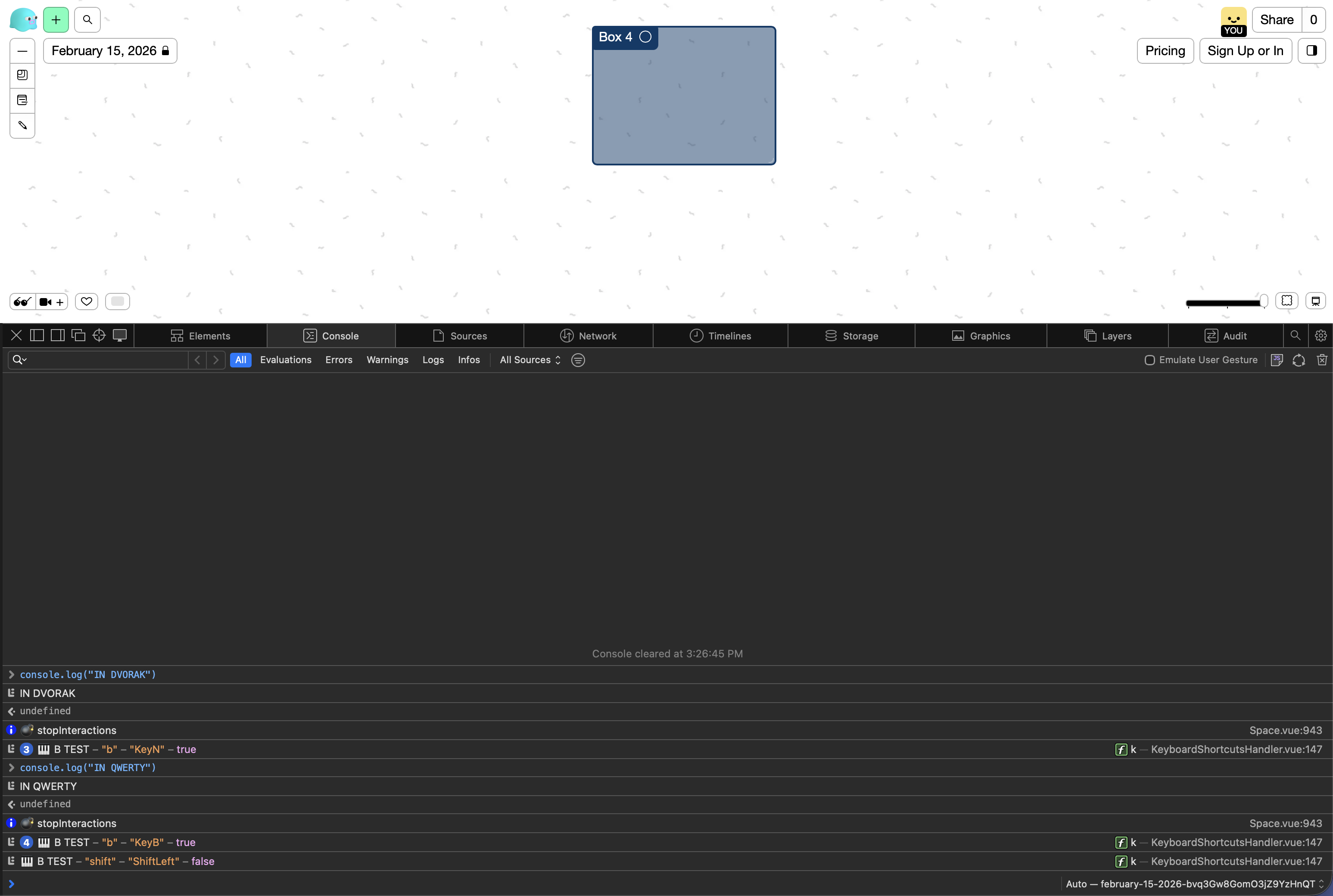
hmm that’s really weird , according to the logs you should see a box surround your selected cards. if no cards are selected it’ll turn on box mode, where you drag to create a box. Are you selecting cards first before pressing b to surround them?
I’ve added additional logs with ‘’
can you try again and show me all the log results you get with ? thanks
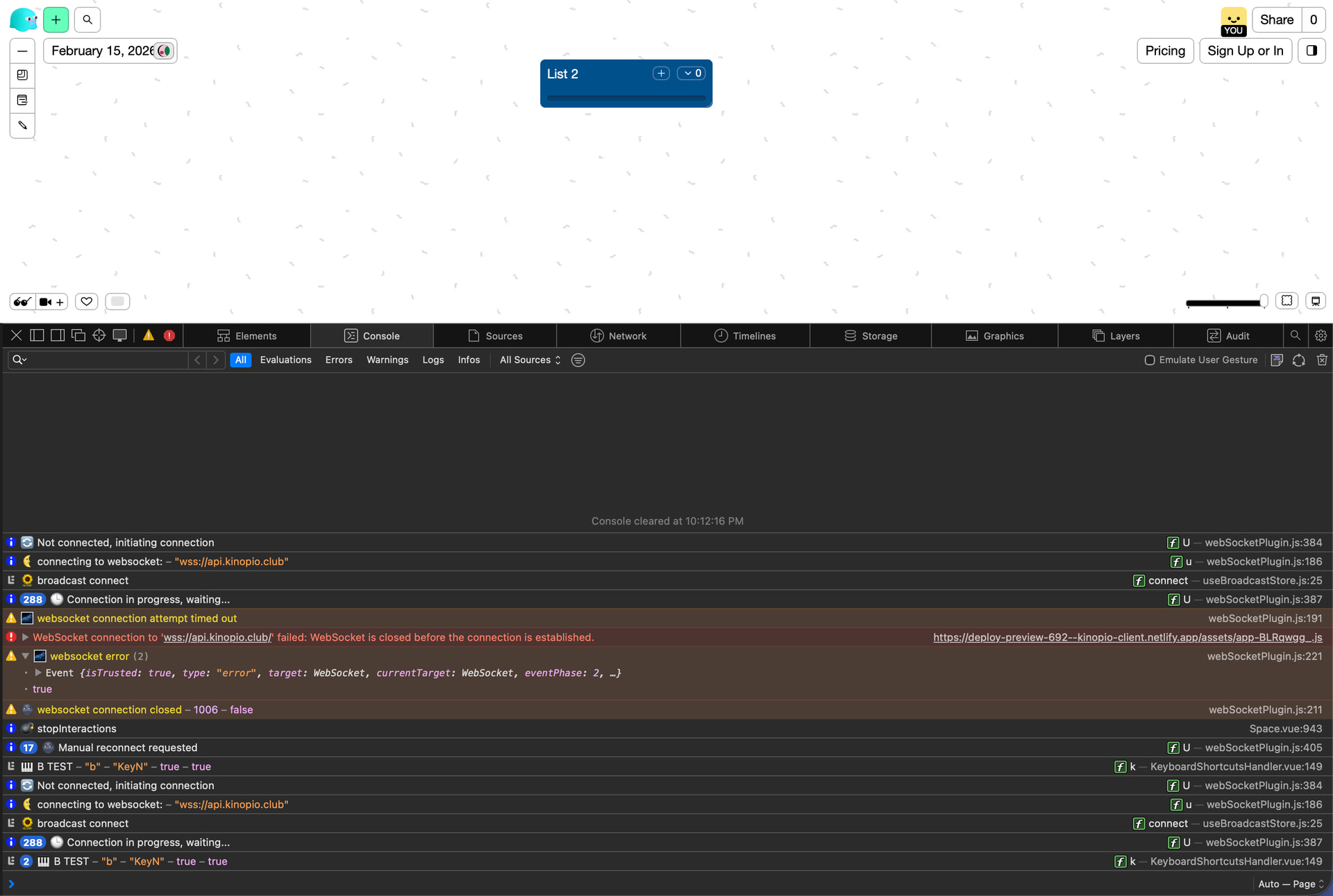
No actually I m not selecting a card while pressing the keys. So as I said in the QWERTY layout on pressing B I can see the 🎹🎹 – “” – 0 which doesn’t seems to be logged when I use the Dvorak layout.
1 Like
ah okay you’re just trying to toggle on box mode . ok think i figured it out conceptually,
I detect keys using these lines
  const key = event.key.toLowerCase()
  const keyCode = event.code // physical key on the keyboard
  const keyB = key === 'b' || keyCode === 'KeyB'
  const keyL = key === 'l' || keyCode === 'KeyL'
  const keyN = key === 'n' || keyCode === 'KeyN'
  const keyM = key === 'm' || keyCode === 'KeyM'
  const keyT = key === 't' || keyCode === 'KeyT'
dvorak ‘b’, is also ‘keyN’ , so the keyboard shortcut that’s being triggered is the ‘n’ key one (which is disabled by default).
the reason I’m using physical keycodes is from https://discord.com/channels/857305113936134204/1380776015818920036/1380892172739412019 ,
a Cyrillic user had a problem where their physical Q key would be registered as a diff event key , so I had to use event.code. You seem to the exact opposite situation. There’s no quick fix that’ll please all keyboards

there also doesn’t seem to be any web api for detecting whether you’re using qwerty or something else..
i think the only real way to fix this for everyone is https://forum.kinopio.club/t/ability-to-customize-existing-keyboard-shortcuts/1593
1 Like
Agreed, might not be worth the effort to fix this just for a keyboard layout. Thanks for the time 
1 Like