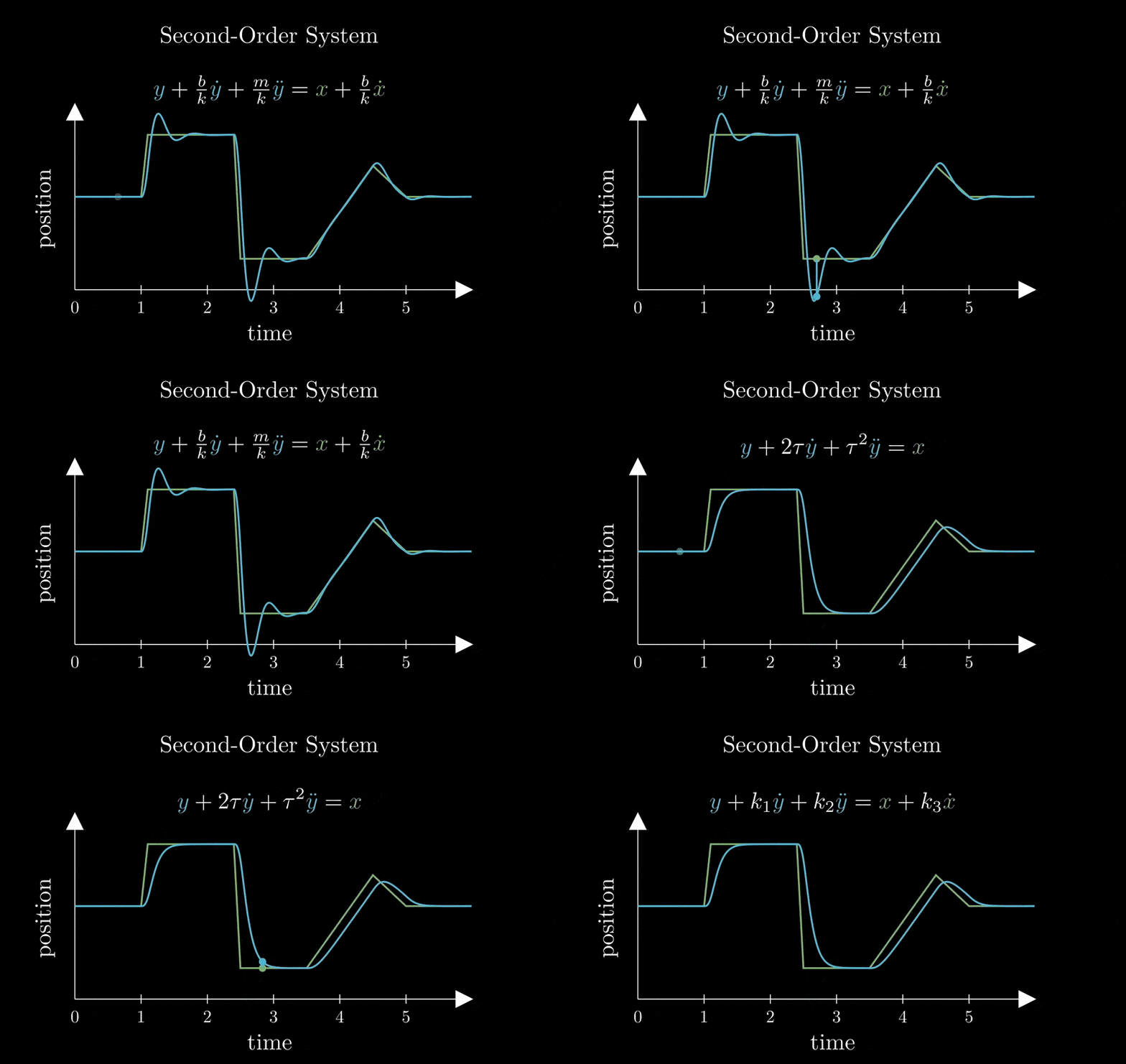
In this very large space, I set up a bunch of animated gifs. They are recordings from a video and I was sitting them up to be a thing that I could compare to each other.
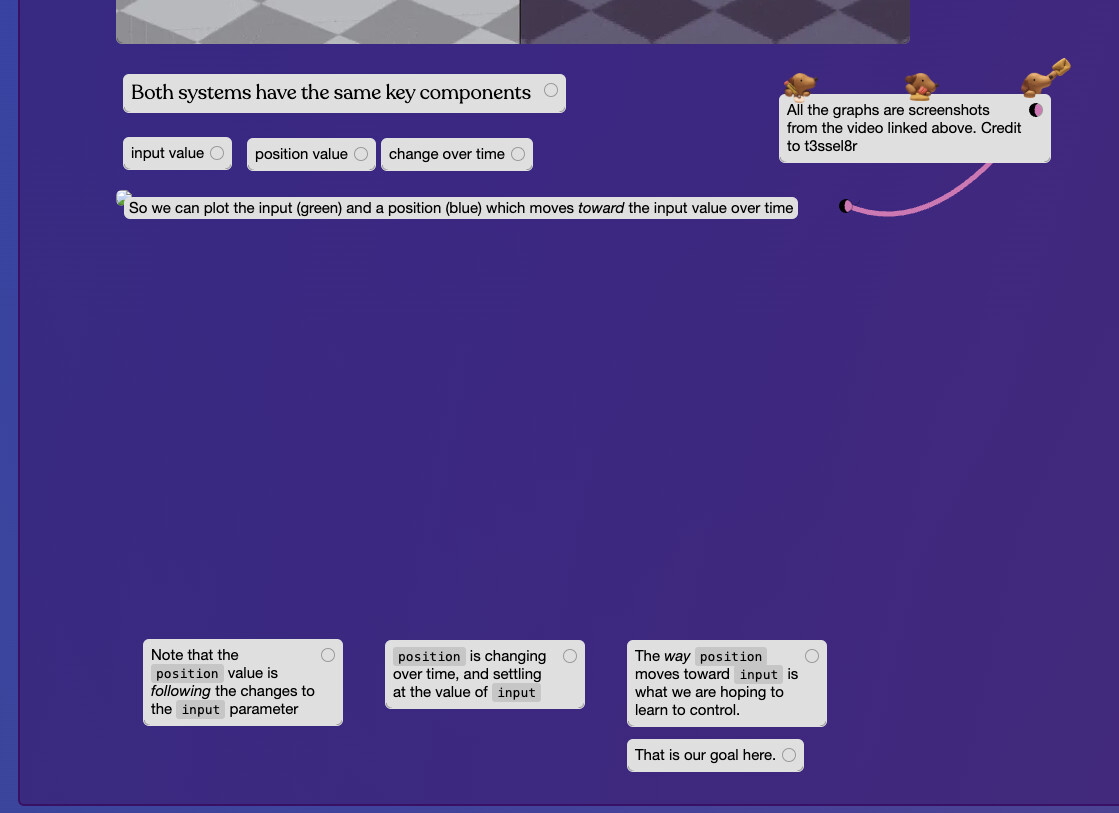
Sadly, when I opened the space up to do some work in it the other day, I discovered that some of the animated GIFs have been broken. What is interesting is, the addresses themselves seem to work. For example, here is one of them:
if the paths are correct but are not displaying that means that the browser is preventing them from showing. sometimes this can happen due to a weird browser extension, but you can look for errors in the browser networking or console related to images and that may give you a better hint
oh hmm i do see some images that aren’t rendering and there are a couple browser errors associated with it. I’ll have to see whether i can repro this in my dev environ and fix this. I plan on getting to this in a bug fix pass next week
what looks like is happening: all images go through an internal service called imgproxy which serves smaller variants of images to users to avoid clogging up the page w huge size images.
Something about this gif is causing imgproxy to fail. It looks like the file size and number of frames isn’t too high so i’m not sure.
In either case, gifs don’t really get effectively smallerized through imgproxy (it’s better on static images) so I updated it to skip gifs. Seems to work on all your gifs now.
These animated GIFs are created by using a screen recording over the video playing, and then feeding that to a local program, named Gifski.app
I would generally monkey with the settings in order to try and make it as small a video as possible. Probably that explains why there were certain animated GIFs that would display, and others that would not.