ok i think i see the issue,
in your pastedata clipboardData is undefined. That’s not the case for me , but is what is causing the cards to just paste like plain text in a straight line.
based on this i just released a fix , give it 5 mins and a hard refresh and let me know if this fixes the issue for you.l If not let me know what you get in your pastedata
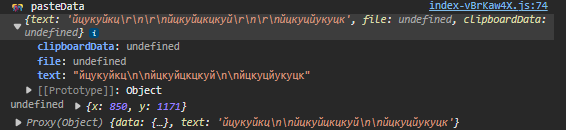
still undefined
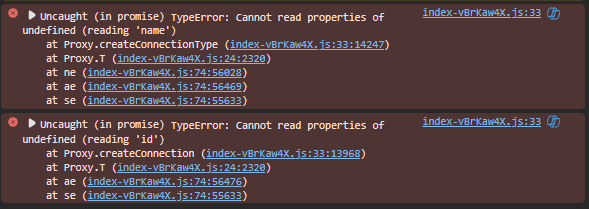
this bs appeared again and signing out doesnt help this time xd
i didn’t attempt to fix the undefined issue, just added an additional check for the copydata text against the globalStore.clipboardData.text. If you’re still not seeing the ‘ ’ then you’re probably still not using the latest version
you’ll know if you’re using the latest version bc the last param of ‘ pasteData’ will be either true or false
Mozilla:
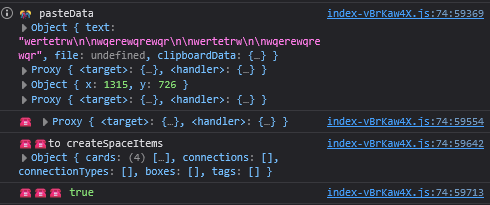
Edge:
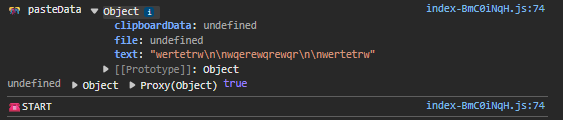
on edge, if you expand that proxy(object) , what do you see? the ‘text’ property value, should match the first object ‘text’
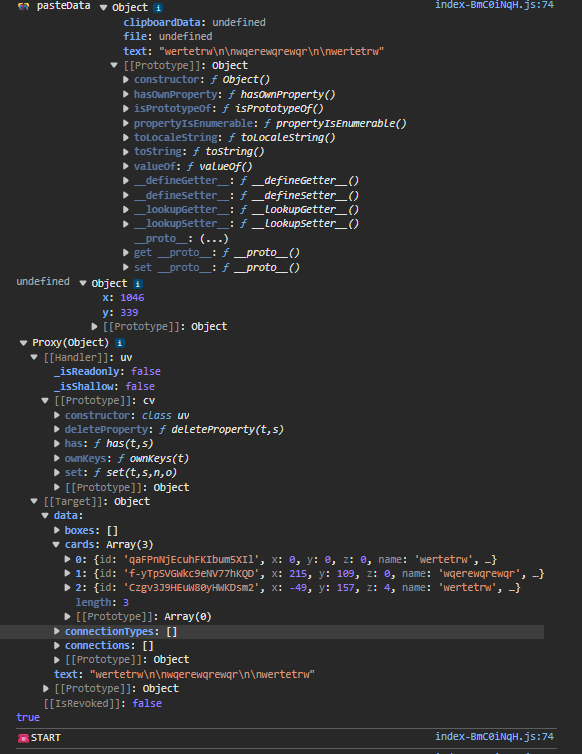
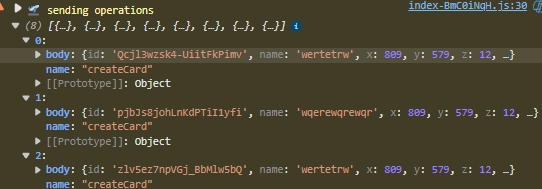
same coordinates
sigh, it’s like your computer is haunted. okay added new debug logs. let me know what you see for ‘’ and ‘START’
when i pasted 1 card it preserved color
2 cards didnt
1 card:
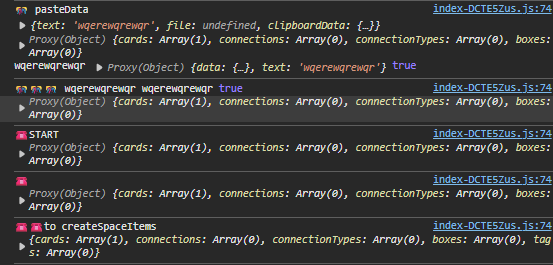
2 cards:
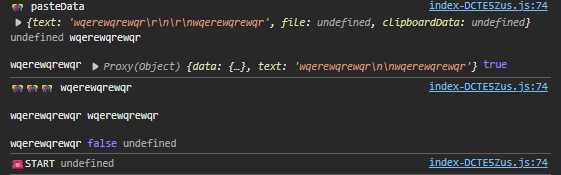
just testing on other windows device ( tablet ) same problems here
ok released a fix. for some reason (maybe cyrillic language settings) , the new line characters \n from your copy/paste are converted to /r/n
let me know what you get for ‘’ if it still doesn’t work
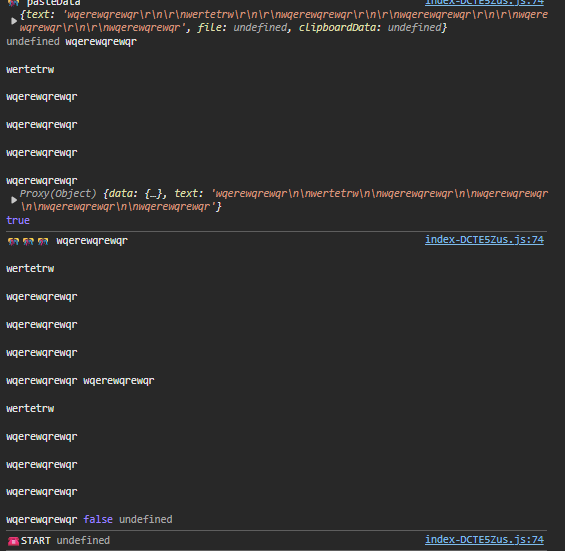
you’re on the old version still , wait for ‘’ (4 of em)
finaly works xd
but connectors are lost on any device (3 devices)
1 Like
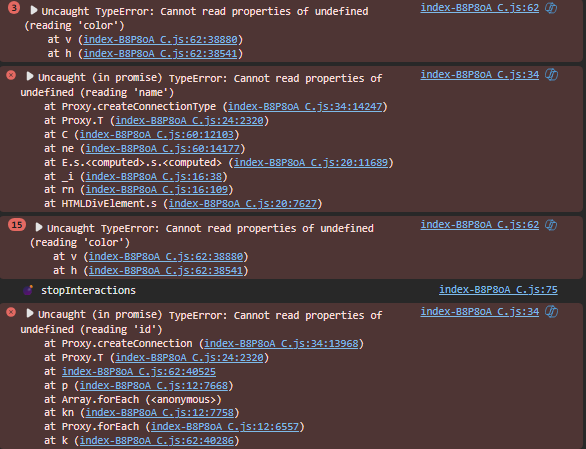
ok good to hear, on to the connector errors:
show me all the logs you get with ‘’, ‘’, ‘’, after pasting