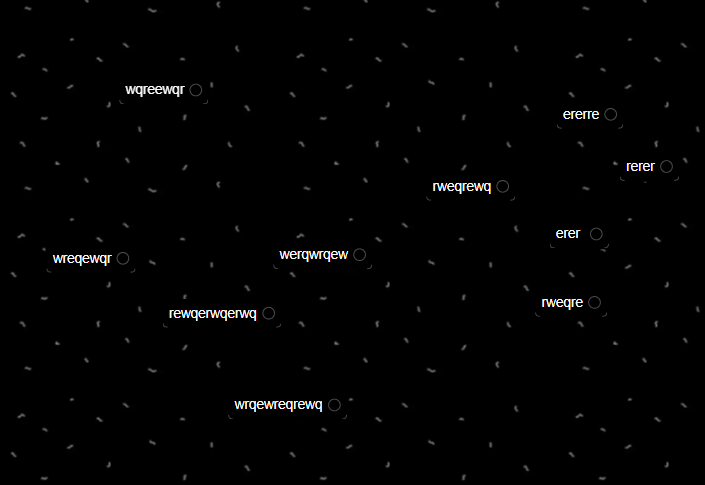
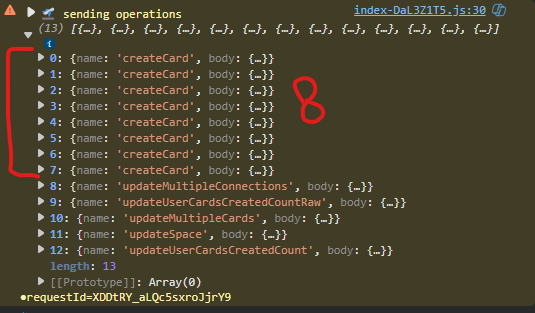
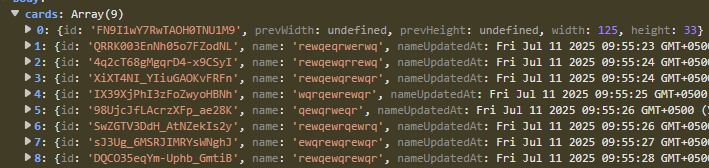
i need to verify whether the updates are being sent to the server.
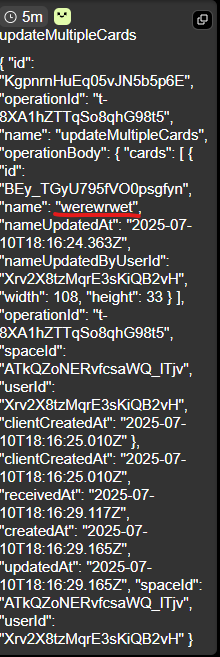
when you notice that a card is lost content , can you open the sidebar → history to view a log of all the sync operations sent to the server.
in the history logs: look for ‘updateMultipleCards’ and ‘updateMultipleConnections’ messages, once you open it up you should be able to find the last card name , or connection paths that were sent to the server. Let me know if these show the correct values.
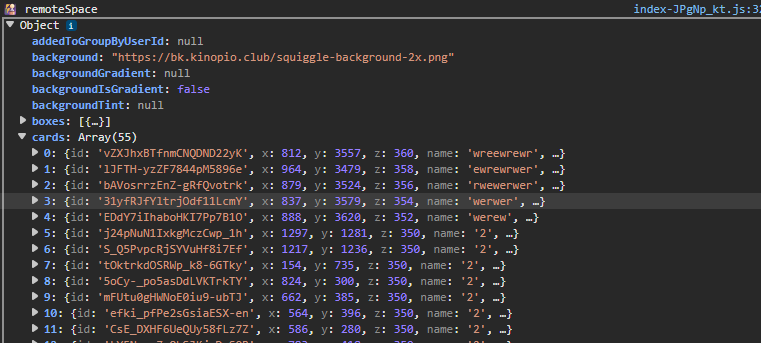
in the browser console logs , open the ‘ remoteSpace’ object to verify that the card doesn’t have the correct name.
ping shouldn’t matter because save operations are atomic. if i add the letters ‘xyz’ to a card, then the new card name with ‘xyz’ should eventually get sent to the server. even if it takes longer, it should eventually arrive and that’ll update the db.
if there was a timeout error, you would see that error both in the console logs and in the network request logs. 240ms isn’t too slow for saving updates.
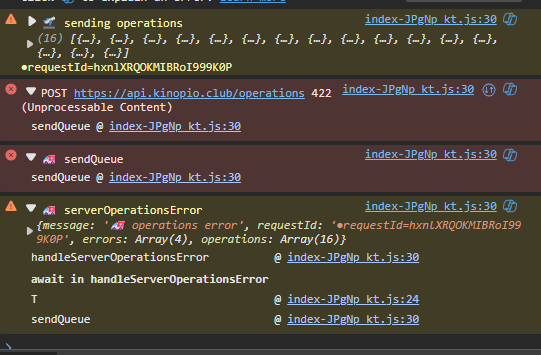
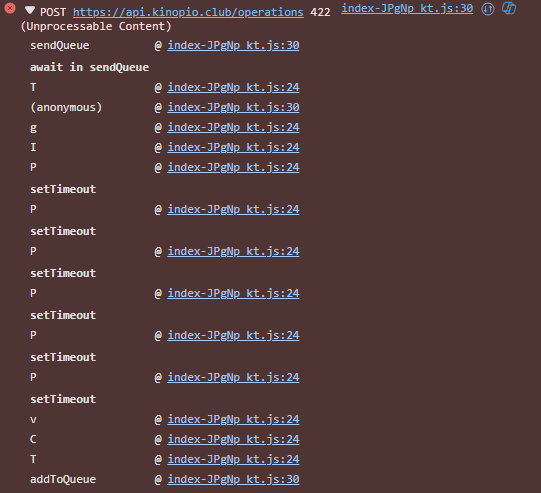
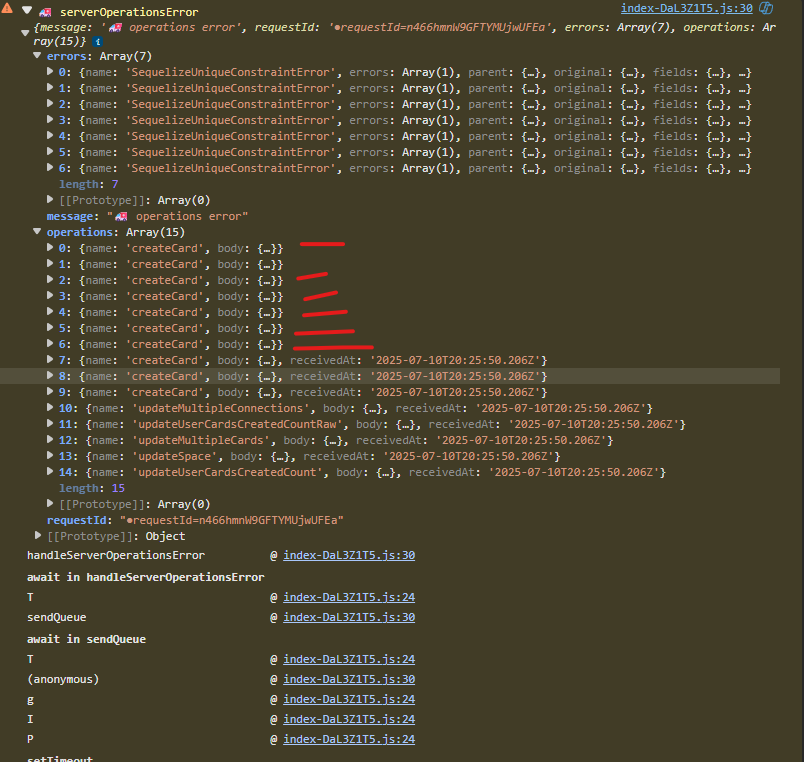
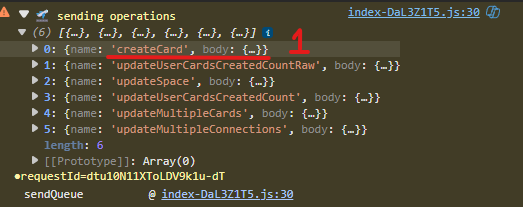
it appears like the updateMultipleCards was going through , but the createCard that should’ve been in the same operation is missing. if the server tries to update a card that doesn’t exist it returns that 422 error.
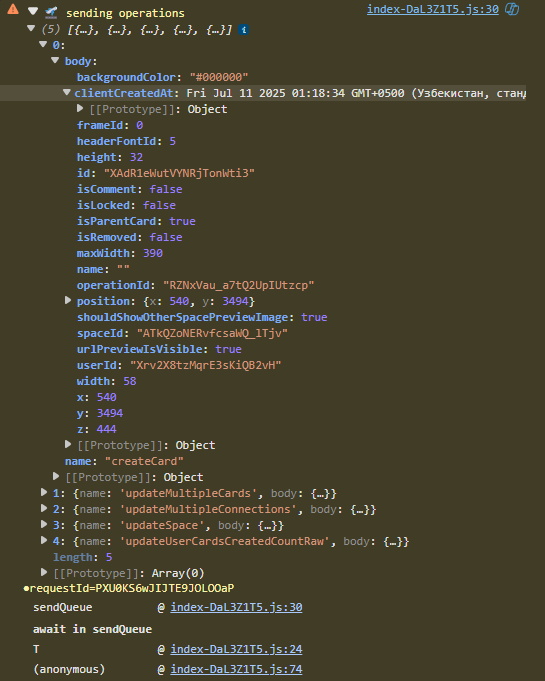
can you do the same actions you did in the vid and expand the operations list? so i can see if there’s any createCards
also in the latest vid, correct me if i’m wrong but the cards don’t lose any letters, they either fully exist correctly, or they don’t exist at all , right?
ChatGPT clue:
Rapid card creation in Pinia can generate duplicate temporary IDs (e.g. from Date.now() or a short nanoid), so multiple createCard ops use the same ID and violate the database’s unique constraint, triggering SequelizeUniqueConstraintError.
i dont use date now() for ids, and the nanoid thing is sufficiently long that this is impossible. you can verify whether the createCard objects have different ids by expanding them
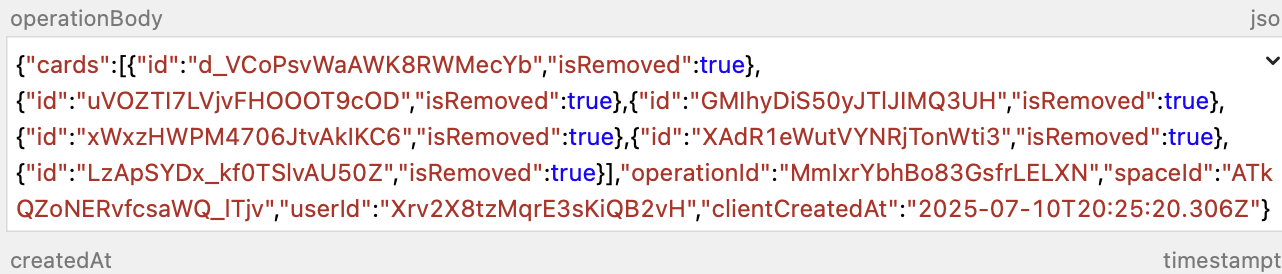
i looked up this specific operation and card. The card exists in the db but it’s isRemoved = true.
After being created, there’s a ‘updateMultipleCards’ operation that sets 4 cards to isRemoved:true
if you go to sidebar → removed they should show up there. they’re all in the db.
I’m not sure why they got updated to being removed though. Next time you have a big operations object can you send me the whole object with these steps?
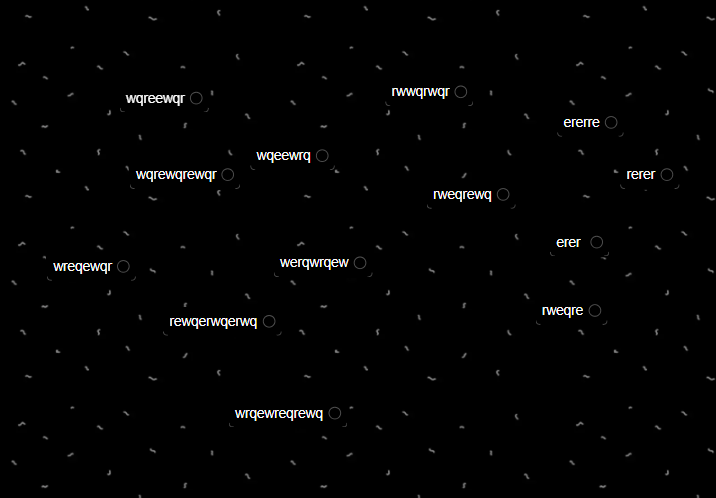
i found card with missing letters.
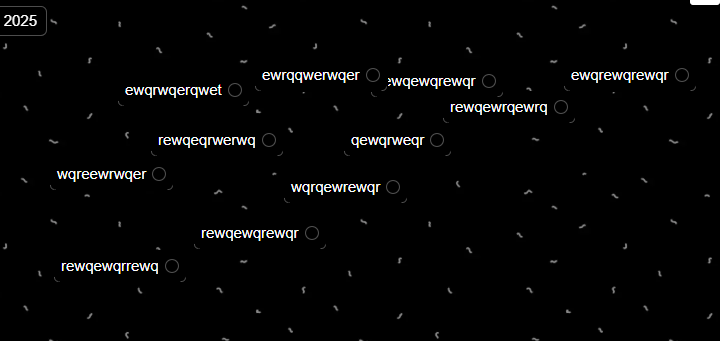
i wrote something like “qwerwqrqwr”
But in updateMultipleCards “name” was “q” only
then after refresh qwerwqrqwr became q
Conclusion: when creating cards quickly, createCard and updateMultipleCards don’t appear in the “sending operations” queue — so after a refresh, the cards disappear.
look for the ‘ added to queue’ messages when you add cards and let me know if those messages have the correct data: correct number of cards created, card updates with correct names.
After updates get added to the queue they get squashed/compressed, it’s possible that this squash process is the root cause
 remoteSpace’ object to verify that the card doesn’t have the correct name.