i have a suspicion when spaceStore.drawingStrokes gets too big , that’s what’s slowing everything down for you. But that would mean that the color and size changing stuff is not related
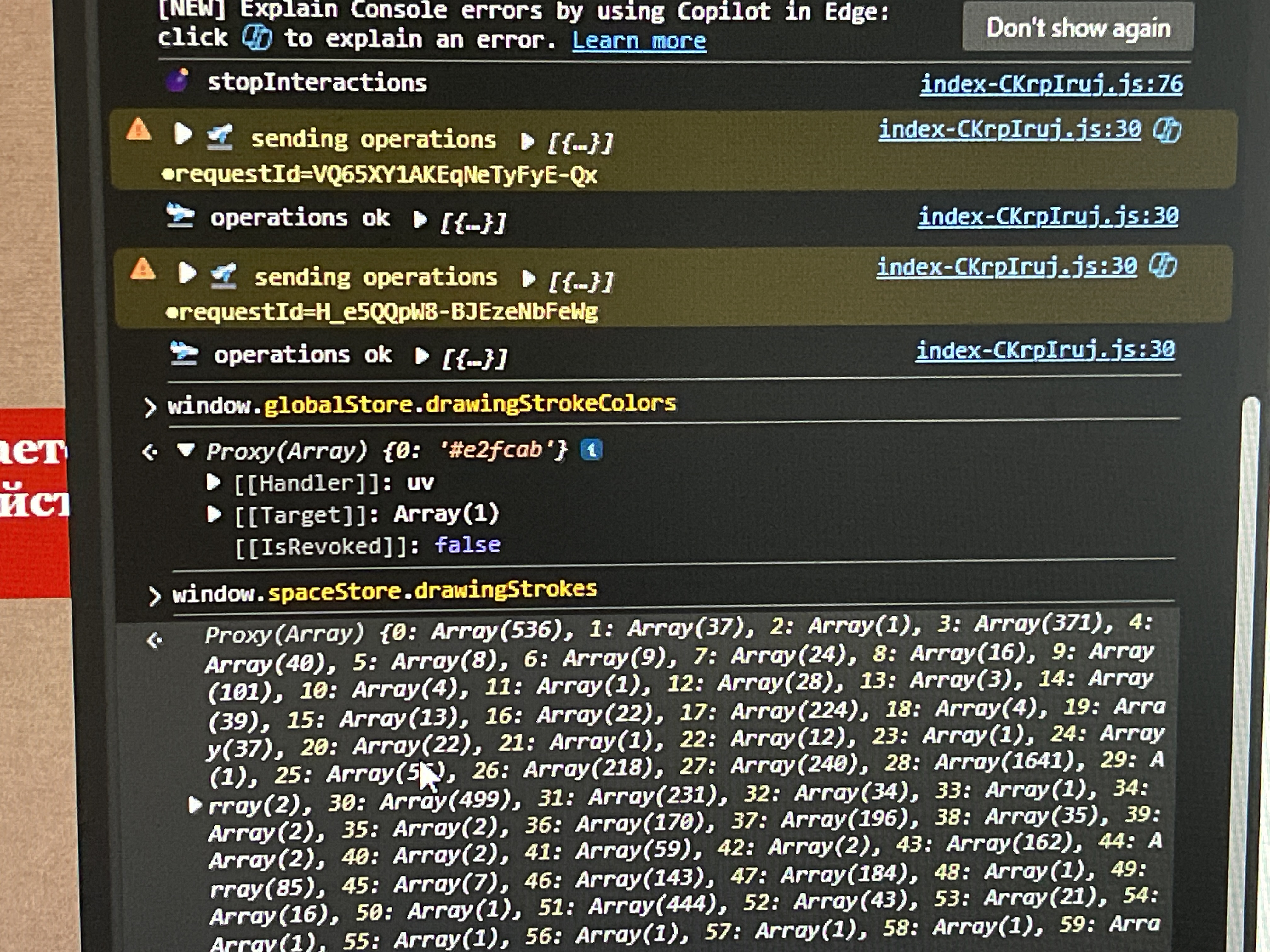
New day; refreshed, and refreshed again as the Kinopio update notification.
Still has the lag present. You can see the tooltip bounce of Drawing (D) begin to slow down when the brush doesn’t respond.
Trying this now.
I was originally just in desktop version when last recorded and this was the state it was in:
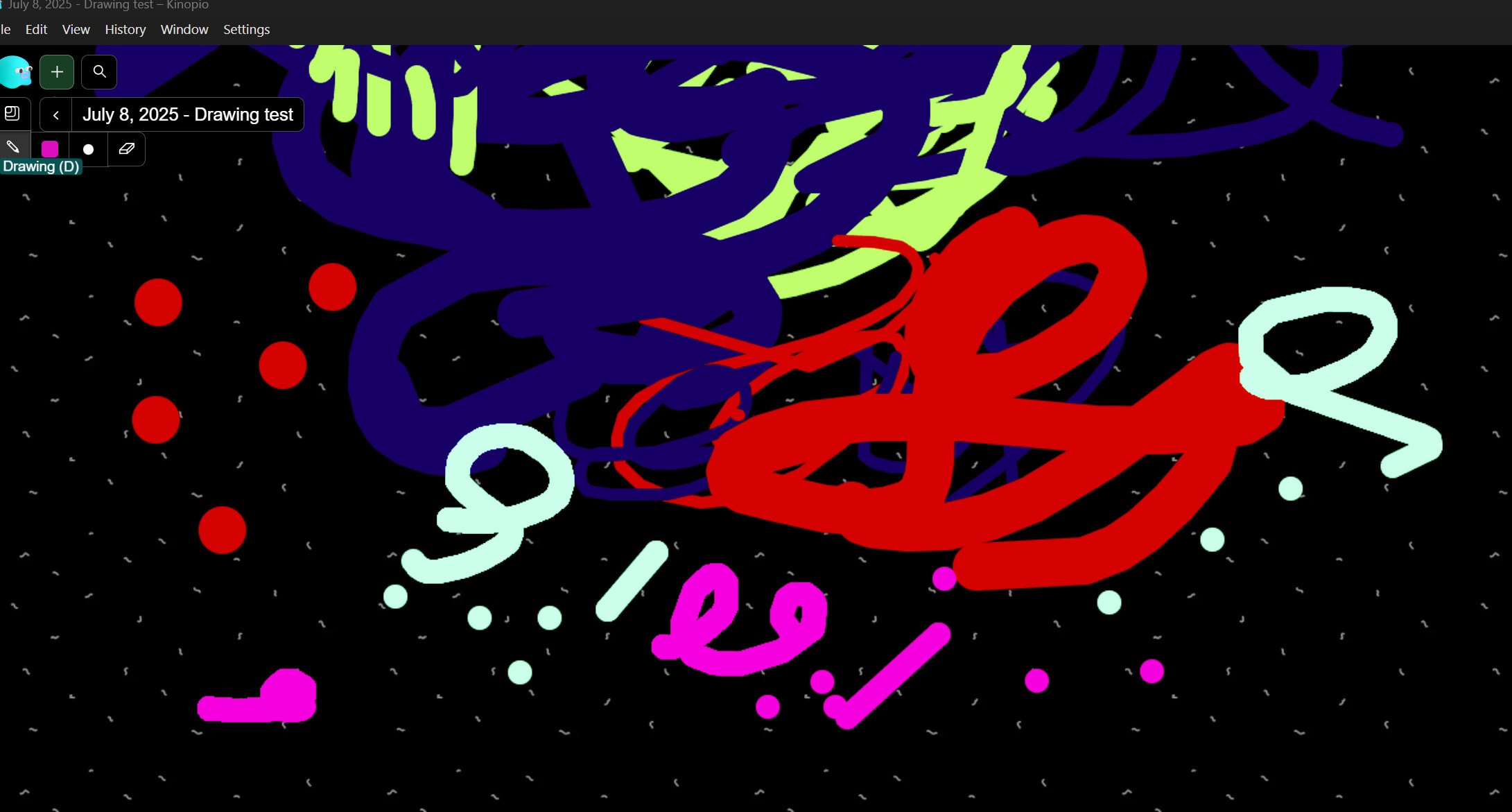
Logging into the browser > Hard refresh:
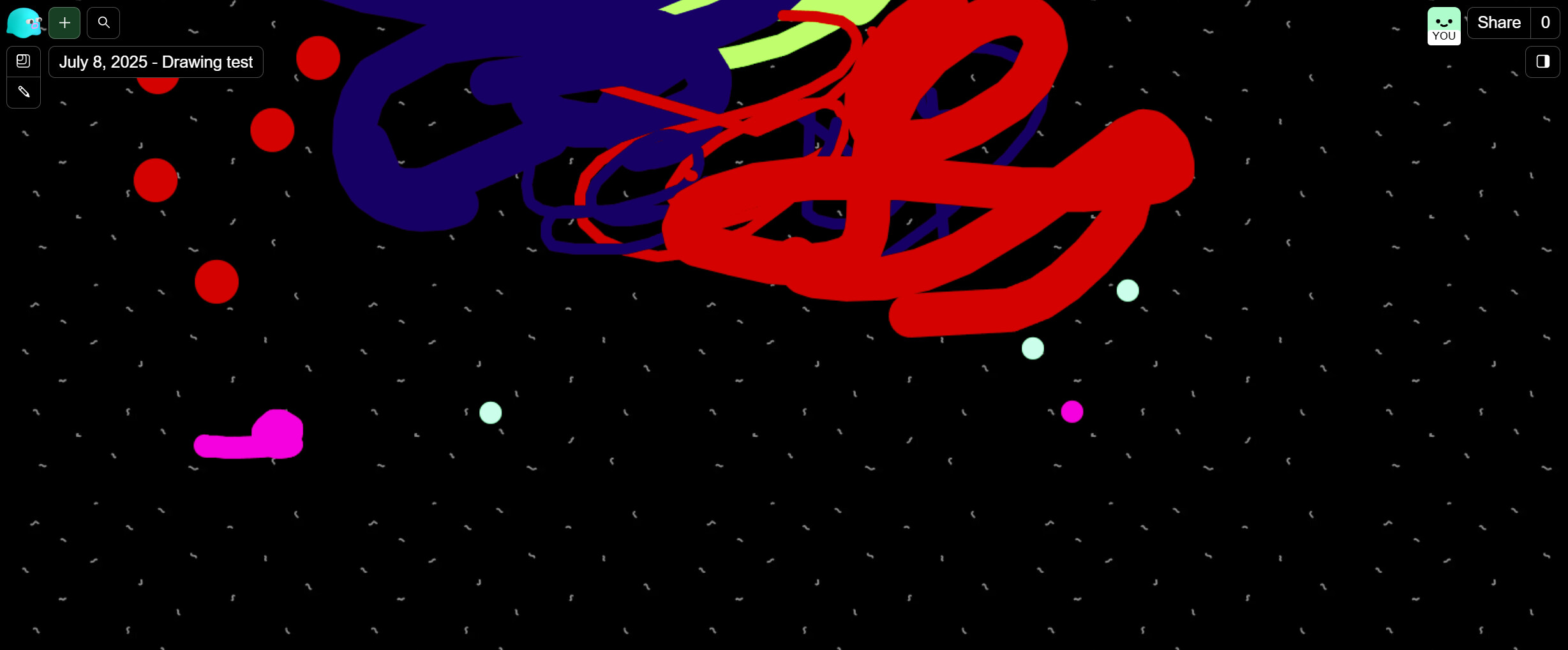
Few of the strokes are gone

window.globalStore.drawingStrokeColors
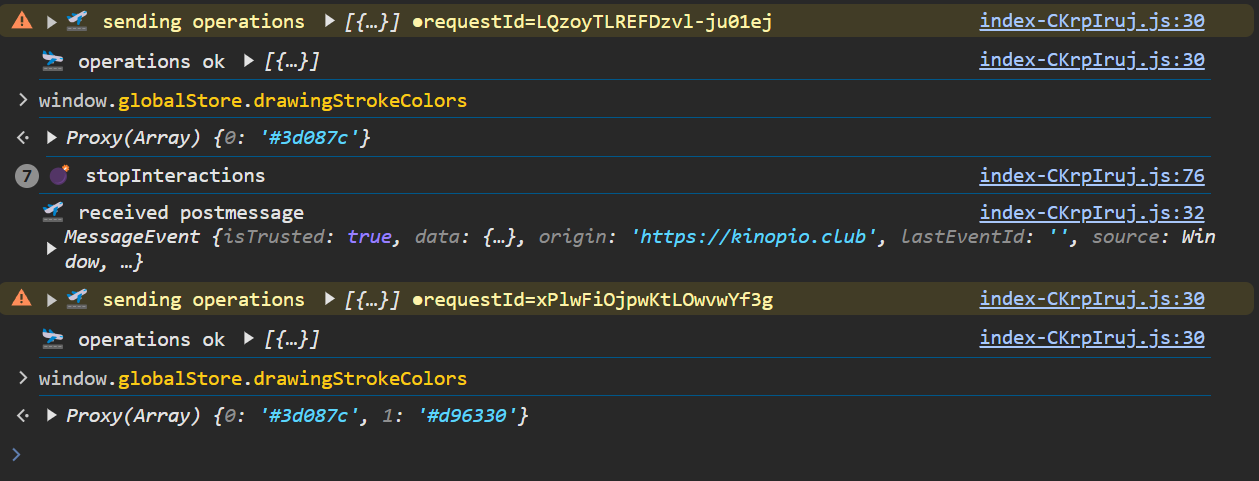
window.spaceStore.drawingStrokes
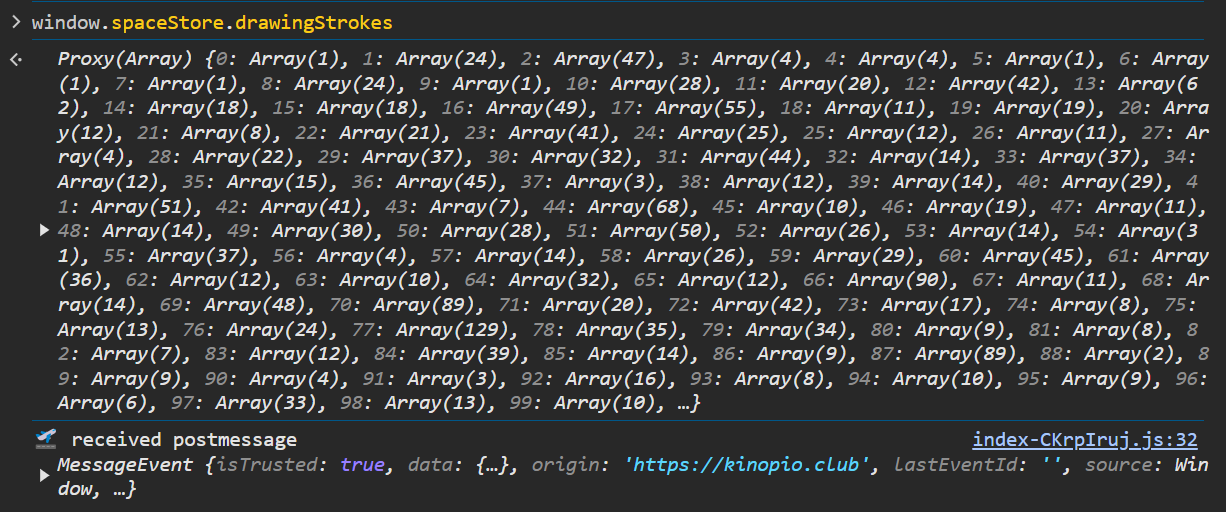
Also a screen recording: if this helps; gets to the above result. (I forgot i was in eraser mode lol so there’s a bit of delay before I start drawing):
released an update that attempts to fix 2 drawing issues:
- improve performance by handling strokes data in local var instead of reactive state
- when spaces were restored, the order of drawing strokes was flipped so the last stroke was on the bottom instead of the top. this caused things like erasing to not work as intended
1 Like
just tested. for me it starts lagging after around 50 strokes. im not a drawing tool user so for me its fine
ya i think that sounds right, there’s room to further optimize this in the future by converting strokes into image data.